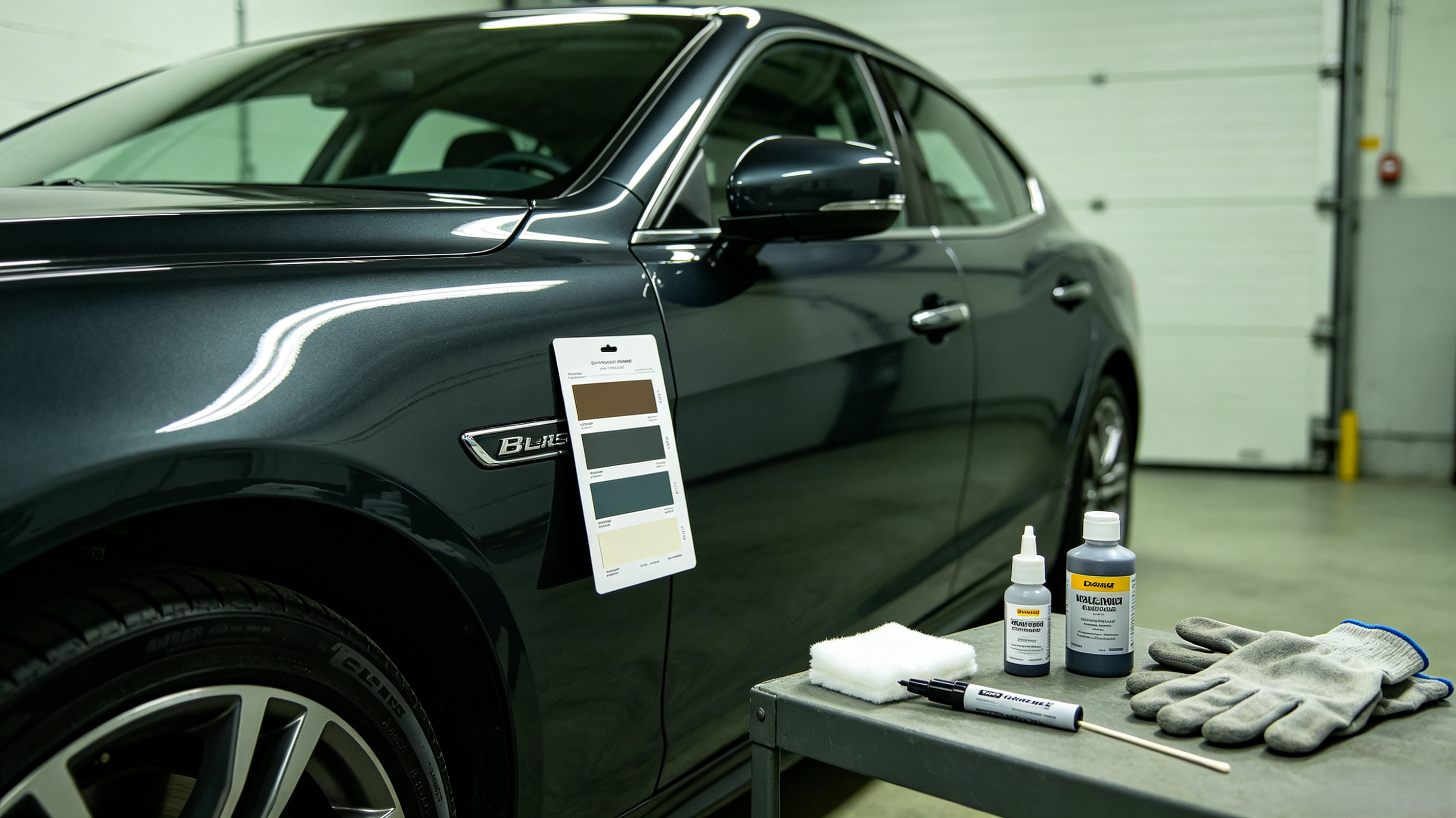
 Step 1
Check the driver-side door jamb
Most vehicles list paint information on a manufacturer label inside the driver-side door frame. Location and label wording can vary by make and model.
Find a color-matched touch-up paint kit for your vehicle. Select your year and model to see matching colors and products.
Loading models...
Use the vehicle finder above to select the make, year and model. We will show the available factory color codes and the touch-up products made for your vehicle.
For the best repair, clean the damaged area, apply thin coats of matched paint, and finish with clearcoat where required.
Color code guide
A factory color code is more reliable than a color name. Check the vehicle label first, then use the finder to confirm the available paint and kit.
Step 1Most vehicles list paint information on a manufacturer label inside the driver-side door frame. Location and label wording can vary by make and model.
Look for labels such as Paint, Color, C/TR, or PNT. The value can be a short code made of letters, numbers, or both.
Step 3Select your year, make, and model in the finder above. We will show the factory colors and suitable TouchUpBro products.
Product tutorial
Watch the pen application overview, then prepare a clean surface, apply thin layers of matched paint, and let each layer dry before finishing.
View all repair instructionsLoading popular colors...